- Home
- ›Sign PDF
eSign PDF for Free
Add PDF, image, Word, Excel, and PowerPoint files
Supported formats:
- DOC
- XLS
- PPT
- PNG
- JPG
Sign PDF documents online in just a few clicks. No account creation or installation required. Simply add a signature and download your PDF, share it, or save it directly to Google Drive, Dropbox, or OneDrive.Need eSign for your team? Contact us.
- E-sign PDFs on Mac, Windows, iOS, Android, and Linux
- PDF signer trusted by over 1 billion users since 2013
- ISO/IEC 27001 certification and Swiss security included
Meet Sign.com—Smallpdf’s Dedicated E-Signing Platform
Get PDF documents signed in seconds with Sign.com—featuring strong security, better signature verifiability, and a more professional experience for you and your signees.
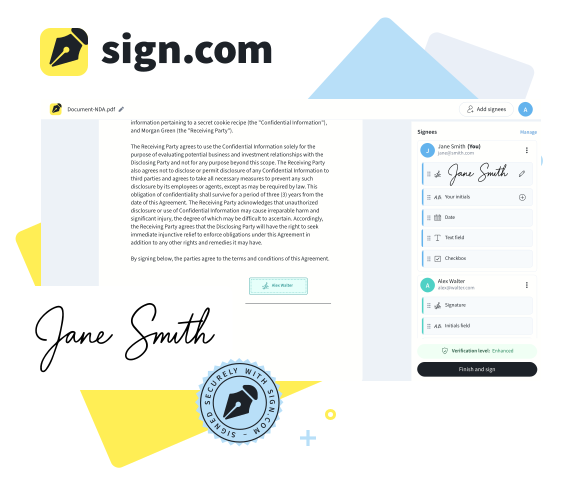
Sign PDFs Online—No Installation Needed
Need to e-sign a document? Add a signature to a PDF right in your browser, then download your signed file. Quick, secure, and hassle-free.
Sign PDFs in Seconds
Add a signature to a PDF online and download the signed PDFs instantly, even if you don’t have a Smallpdf account.
Encrypted & Secure PDF Signer
Your PDFs are TLS-encrypted, and all files are automatically deleted after one hour unless you save them to your Smallpdf account.
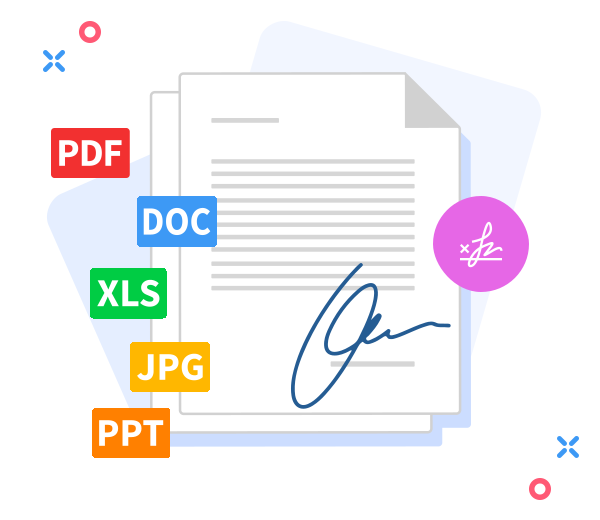
E-Sign More Than PDFs
Upload Word, Excel, PowerPoint, or image files—our tool converts them automatically to PDFs so that you can sign documents securely and effortlessly, regardless of their original format.
How to Sign a PDF Document Online
- Import or drag and drop your file into the PDF signer.
- Add your signature, initials, text, and dates as needed.
- Click ‘Finish & Sign’ to apply your changes.
- Download or share your signed PDF.
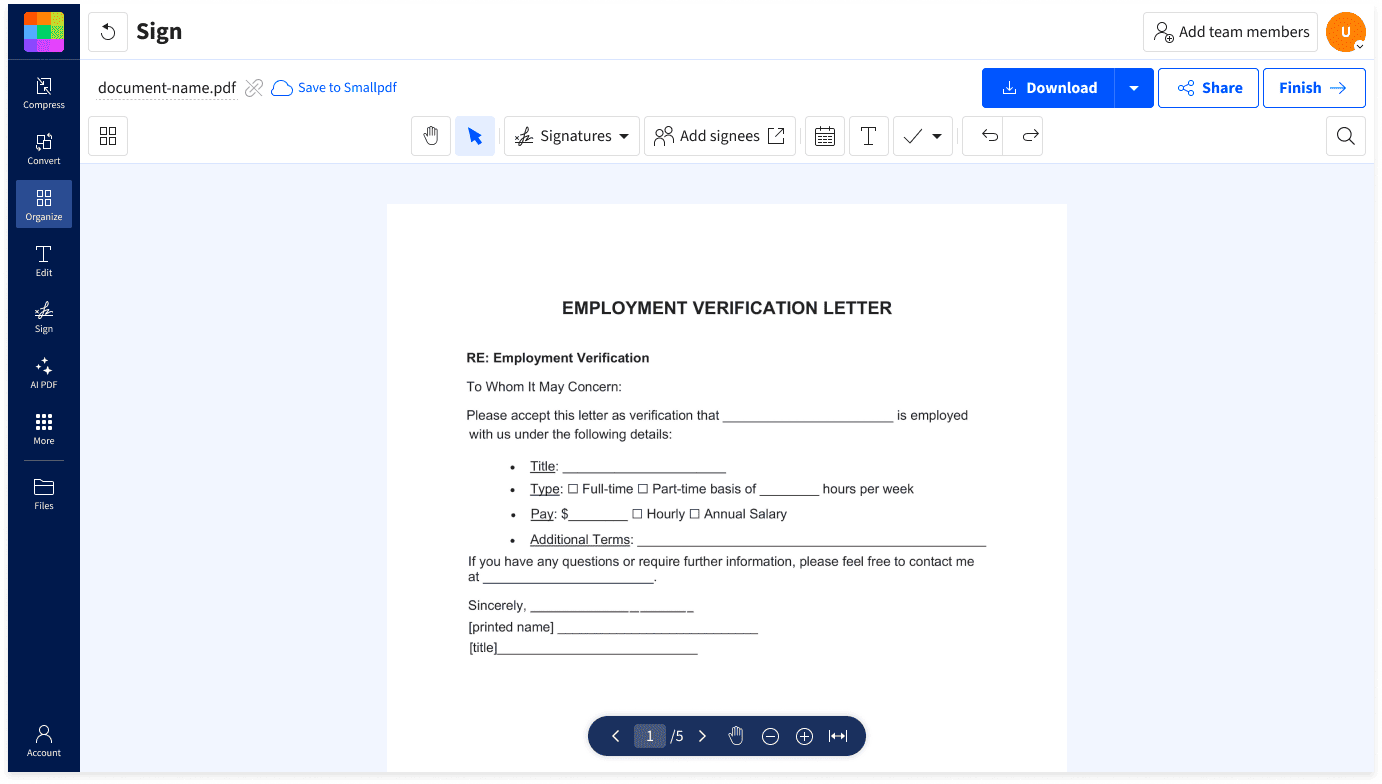
Sign Documents Online—Fast & Secure

Instant E-Signing, No Delays
Upload your PDF, add your signature or initials, and download or share the signed PDF in just a few clicks. Intuitive signing done in seconds.
ISO/IEC 27001 Certified Security
Smallpdf is ISO/IEC 27001 certified and audited annually. Rest assured your document is in good hands when you’re adding a signature to it.
Multiple Document Signing Options
Draw, type, or upload your signature for a personalized and professional e-signing experience. Add your signature, initials, date, text, or checkboxes as needed.
Cloud-Based PDF Signer
Sign PDFs from your browser on Mac, Windows, Linux, iOS, or Android. No installation or account creation needed.
GDPR Compliance
Smallpdf is GDPR-compliant, which means we’re transparent about how we collect, store, and process your personal data.
Direct Cloud Storage Upload
Done e-signing? Upload the signed documents straight to your cloud storage. Smallpdf integrates with Google Drive, Dropbox, and Microsoft OneDrive.
Questions About eSign?
Is it safe to use Smallpdf eSign?
Totally! Smallpdf and its tools are ISO/IEC 27001-certified and GDPR-compliant. Our PDF signer uses advanced TLS encryption, ensuring all your file transfers are secure.
Can I try eSign for Free?
Of course! With Smallpdf, you can add signatures to PDFs for free. If you love it, a Pro account gives you unlimited access to eSign and 40 other PDF tools that’ll change the way you get work done.
Can I sign documents on mobile?
Yes. Simply download our mobile app (available for Android and iOS) and start signing. You can also sign PDFs online in your mobile browser.
Does Smallpdf integrate with cloud services?
Smallpdf integrates with Google Workspace, Microsoft OneDrive, and Dropbox. You can connect either cloud service to sign documents stored there and upload the signed PDFs back to the cloud service.
What’s the difference between an electronic and a digital signature?
An electronic signature is any electronic method that shows a person’s intent to sign a document—for example, typing your name, pasting an image of your signature, or clicking “I accept.” It’s a broad term covering all forms of electronic agreement. A digital signature, on the other hand, is a specific type of electronic signature that uses encryption and digital certificates to prove the signee’s identity and secure the document. Digital signatures add a layer of security and authenticity by creating a unique, tamper-evident fingerprint for each signed document.
Is there a way to protect my signed document with a password?
Absolutely. Once you’ve added a signature to your PDF, head over to our free Protect PDF tool and set a password for your signed PDF.
Do free and Pro accounts get the same document security?
Yes. The protections around the document itself are identical on both plans.
What’s the difference between eSign and Sign.com?
Both eSign and Sign.com are built by Smallpdf. eSign lets you quickly add your own signature to documents. Sign.com offers advanced features such as requesting signatures from others, tracking document activity, adding digital seals, and providing a Certificate of Completion—ideal for professional use when signing serious or sensitive documents.
What Is a Digital Signature?
A digital signature is a cryptographic process where a large unique number is calculated based on the document's contents and the attached certificate, which contains the name of the signee. The number that is calculated for the document can be verified with pretty much any PDF reader or software.
Can several people sign the same contract?
Yes. You can send a single document to multiple signees and receive a single finished file with everyone's signature.
Is a digital signature more secure than an e-signature?
In short, yes. Both e-signatures and digital signatures are legally binding (always check your local laws), but digital signatures are more secure. When you digitally sign, a unique digital marker is created for you. It can be verified and is very difficult to forge or tamper with.
How to sign a PDF document sent by email?
You can sign a PDF from your email by uploading the attachment to Smallpdf's Sign PDF, adding your signature, and sharing the signed document straight from Smallpdf.
Why do people ignore signature requests?
Usually, because they weren't expecting one. An unannounced email with a link to sign looks like a phishing attempt, so a quick heads-up by call, email, or Slack before you send makes a real difference.
Expert Advice & Quick Tips

How to eSign PDF
The Difference Between Digital & Electronic Signatures
Learn about the difference between electronic and digital signatures. We’ll also talk you through their legality and pros and cons.
Read article
How to eSign PDF
Simple Steps To Creating a Paperless Business
What used to be costly and cumbersome to implement has become much easier to do and saves costs in the long run. Here’s our advice on going paperless.
Read article
How to eSign PDF
Can Digital Signatures Really Be Trusted?
We’ll take you through the legality of electronic signatures and what security features to keep in mind when using an e-signature software.
Read article

E-Signing—Made Simple
Equip your business with tools to e-sign, edit, request signatures, and share documents—all in one place.